Close Menu
Hitz360.com
    Facebook X (Twitter) Instagram
    Hitz360.comHitz360.com
    • Home
    • Artists
    • Music
      • Album/EP
      • Dancehall & Reggae
      • Ghana Music
      • Gospel
      • Mixtapes
      • Naija
      • THROWBACK SONGS
    • News
      • Reviews
      • Featured
      • Design
      • Gadget
      • Movies
      • Technology
        • Coding
        • Hosting
    • TOP 100 NEW
    • Advertise
    • Contact Us
    • App
    Facebook X (Twitter) Instagram
    Hitz360.com
    Home » Tech & Tutorials » How to Use Optical Zoom on an iPhone
    Tech & Tutorials

    How to Use Optical Zoom on an iPhone

    By Elorm ChapoApril 20, 2022
    Share with Friends Twitter WhatsApp Telegram Copy Link
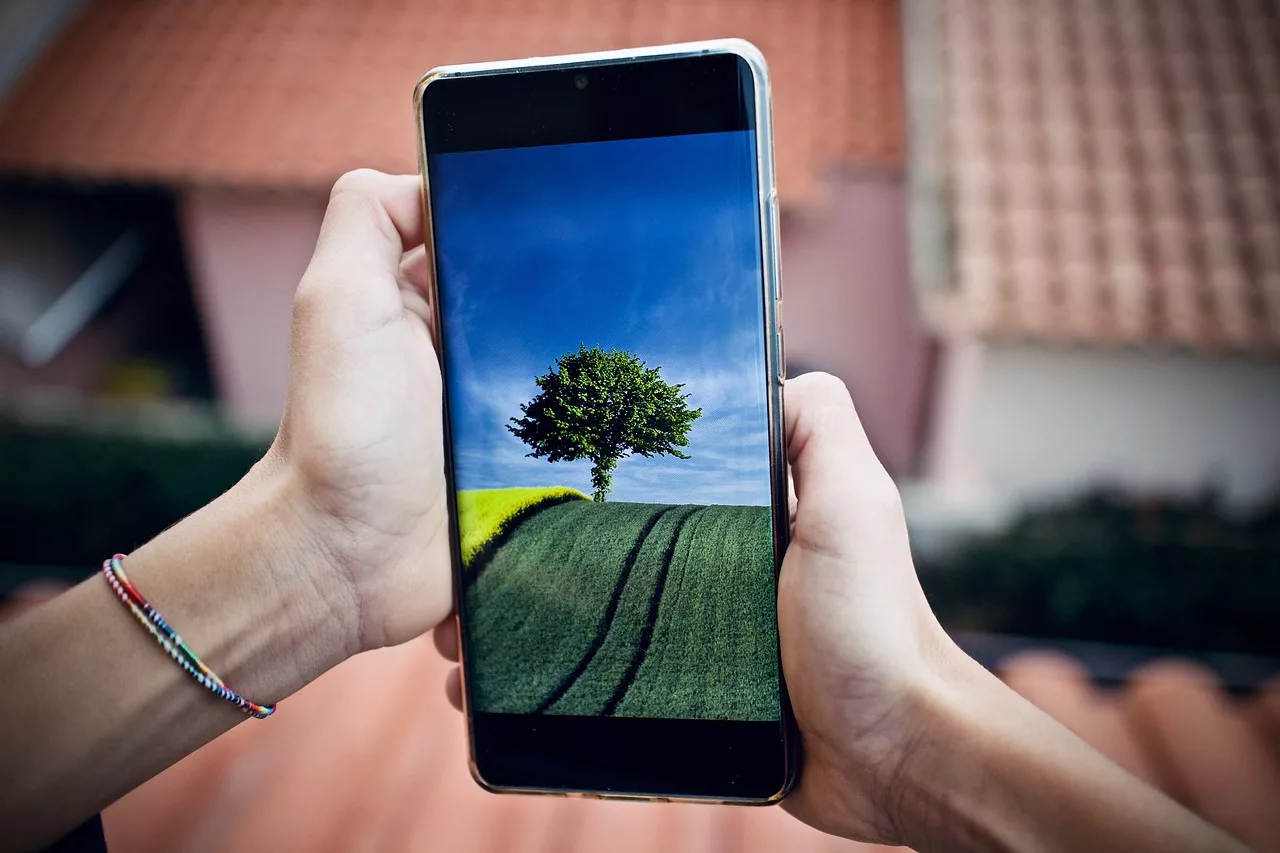
    How to Use Optical Zoom on an iPhone
    How to Use Optical Zoom on an iPhone
    How to Use Optical Zoom on an iPhone
    How to Use Optical Zoom on an iPhone

    When you use digital zoom to magnify a subject, image noise may be introduced. You may be able to resolve this problem with your iPhone’s “optical zoom” feature. However, do you know how it works?

    Does Your iPhone Have an Optical Zoom?

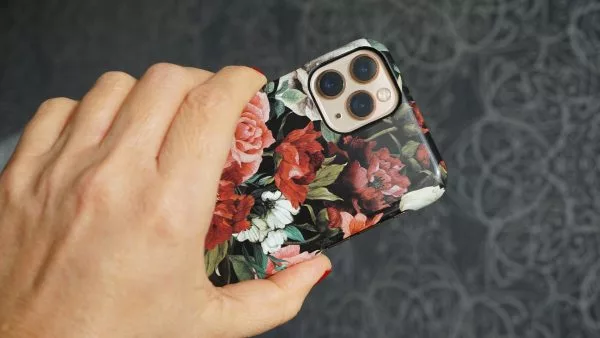
    There is probably more than one lens on the back of your iPhone. iPhones have a wide-angle lens, equivalent in focal length to about 26mm on a 35mm camera. With this, you can capture a field of view that is slightly wider than the human eye can see.

    Advertisement

    Advertisement

    An ultra-wide lens or a telephoto lens may also be available. There are some iPhones with all three lenses, such as the iPhone Pro. The term “optical zoom” is typically used in the context of zooming in on a subject, but any increase in focal length that is achieved by optics (rather than software or digital zoom) can be considered “optical zoom.”

    The iPhone 13 has only two wide (26mm equivalent) and one ultra-wide (13mm equivalent) lenses. If you move from an ultra-wide to a wide, you are doubling the focal length using just optics, so it is equivalent to 2x optical zoom.

    If you learn how to use optical zoom, you will be able to take images of the highest possible quality. Apple also allows you to zoom past optical zoom by stretching the image with software. You might want to avoid this option because of the unwanted noise and grain introduced.

    Using Optical Zoom

    You can easily make sure that you’re always using optical zoom with your iPhone camera.

    The shutter button should be at the bottom of the image when you launch the camera app in portrait mode. Above the shutter button, where it says “Photo,” there should be some numbers indicating what mode you’re in, such as 3, 1x, and .5.

    You can change the focal length by tapping on these numbers. The “.5” option will always ensure you are using the ultra-wide lens at its native focal length, as will wide (1) and telephoto (2).

    In this way, the image quality will be of the highest standard and will not be adversely affected by digital zoom.

    [irp]

    You Can Zoom Digitally, Too

    You can gradually increase zoom level by dragging these numbers with your finger. With a bit of software help, you can use this to capture focal lengths in between your longest lens’ maximum zoom level as well as go well beyond it. If you pinch a web page or photo, you can zoom in.

    This extends to 15x zoom on the iPhone 13 Pro (or 15 times the focal length of the wide-angle lens). While the reach is impressive, the image quality suffers greatly. Playing with digital zoom can be fun, but it’s not a good choice if you want to print or share the picture.

    Previous ArticleGuru NKZ Biography, Music, Profile And More
    Next Article The Reason Why Golf Is Considered An Expensive Sport

    recommended content

    Globalboy Collin – GO GLO

    Kwesi Arthur – Porpi

    Stonebwoy – Be Mah Lova (Black Forest Riddim)

    StoneBwoy – Rat Race (Lovers Rock) (Prod. Ephraim)

    Fancy Gadam – I Don’t Need You Ft. Rudeboy

    DJ Sonatty – The 17th July Mix 2026 ft. MC Fada Wiser

    DJ Lord OTB – This is Asake (Mixtape)

    Jay Bahd – YEBE SO

    Sarkodie – IBRAHIM TRAORÉ ft. Worlasi

    HOTTEST SONGS
    Globalboy Collin – GO GLO
    ▶

    Globalboy Collin – GO GLO

    Ghana Music Jul 21, 2026
    Kwesi Arthur – Porpi
    ▶

    Kwesi Arthur – Porpi

    Ghana Music Jul 20, 2026
    Stonebwoy – Be Mah Lova (Black Forest Riddim)
    ▶

    Stonebwoy – Be Mah Lova (Black Forest Riddim)

    Ghana Music Jul 20, 2026
    StoneBwoy – Rat Race (Lovers Rock) (Prod. Ephraim)
    ▶

    StoneBwoy – Rat Race (Lovers Rock) (Prod. Ephraim)

    Ghana Music Jul 20, 2026
    Fancy Gadam – I Don’t Need You Ft. Rudeboy
    ▶

    Fancy Gadam – I Don’t Need You Ft. Rudeboy

    Ghana Music Jul 19, 2026
    DJ Sonatty – The 17th July Mix 2026 ft. MC Fada Wiser
    ▶

    DJ Sonatty – The 17th July Mix 2026 ft. MC Fada Wiser

    Mixtapes Jul 18, 2026
    DJ Lord OTB – This is Asake (Mixtape)
    ▶

    DJ Lord OTB – This is Asake (Mixtape)

    Mixtapes Jul 18, 2026
    Jay Bahd – YEBE SO
    ▶

    Jay Bahd – YEBE SO

    Ghana Music Jul 18, 2026
    Hitz360 official Logo
    • News
    • Music
    • TOP 100 NEW
    ADVERTISE WITH US
    PROMOTE YOUR MUSIC
    Facebook X-twitter Instagram Tiktok

    Terms of Use | Privacy Policy

    About | Contact

    About | Contact

    Type above and press Enter to search. Press Esc to cancel.

    We Value Your Privacy

    We use cookies to enhance your browsing experience, serve personalized content, and analyze our traffic. By clicking "Accept All", you consent to our use of cookies. Read our Privacy Policy and Terms of Use for more information.

    Ad
    ♫ HITZ360
    Your Song Is Ready

    Download it now and enjoy your music.

    Download Now